AI 図案生成
Generate AI bead images
Start with a prompt, create a bead-friendly reference image, then convert it into an editable pattern.
ビーズ向け参照画像をAI生成
スタイル
Current result
Generated images will appear here.
Brand
Size
Generate a bead preview to see color count, bead count, and dominant colors.
最近の生成
Case showcase
Slide one idea between source image and bead pattern
Drag the comparison slider to judge the character first, then inspect bead texture, color count, and making difficulty.
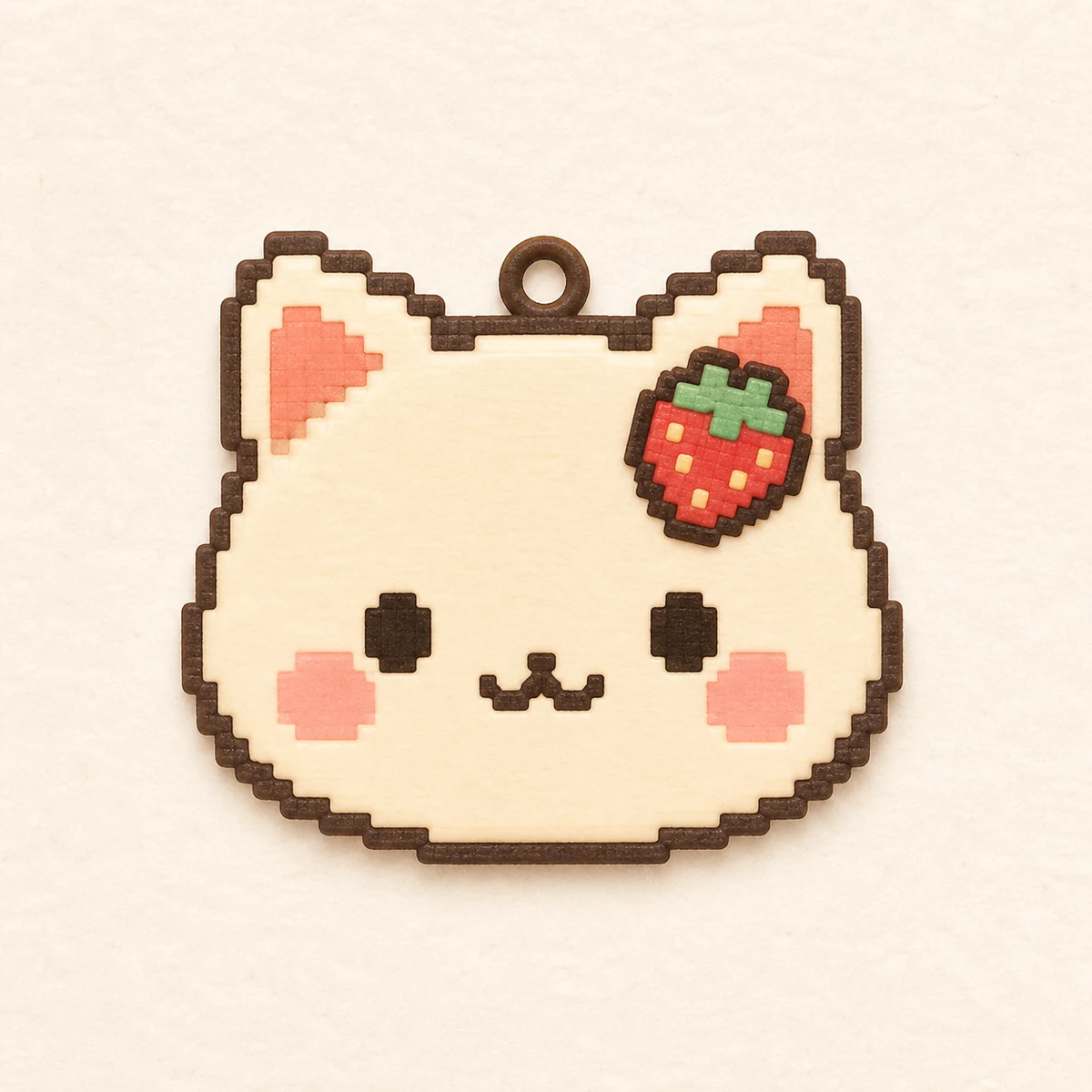
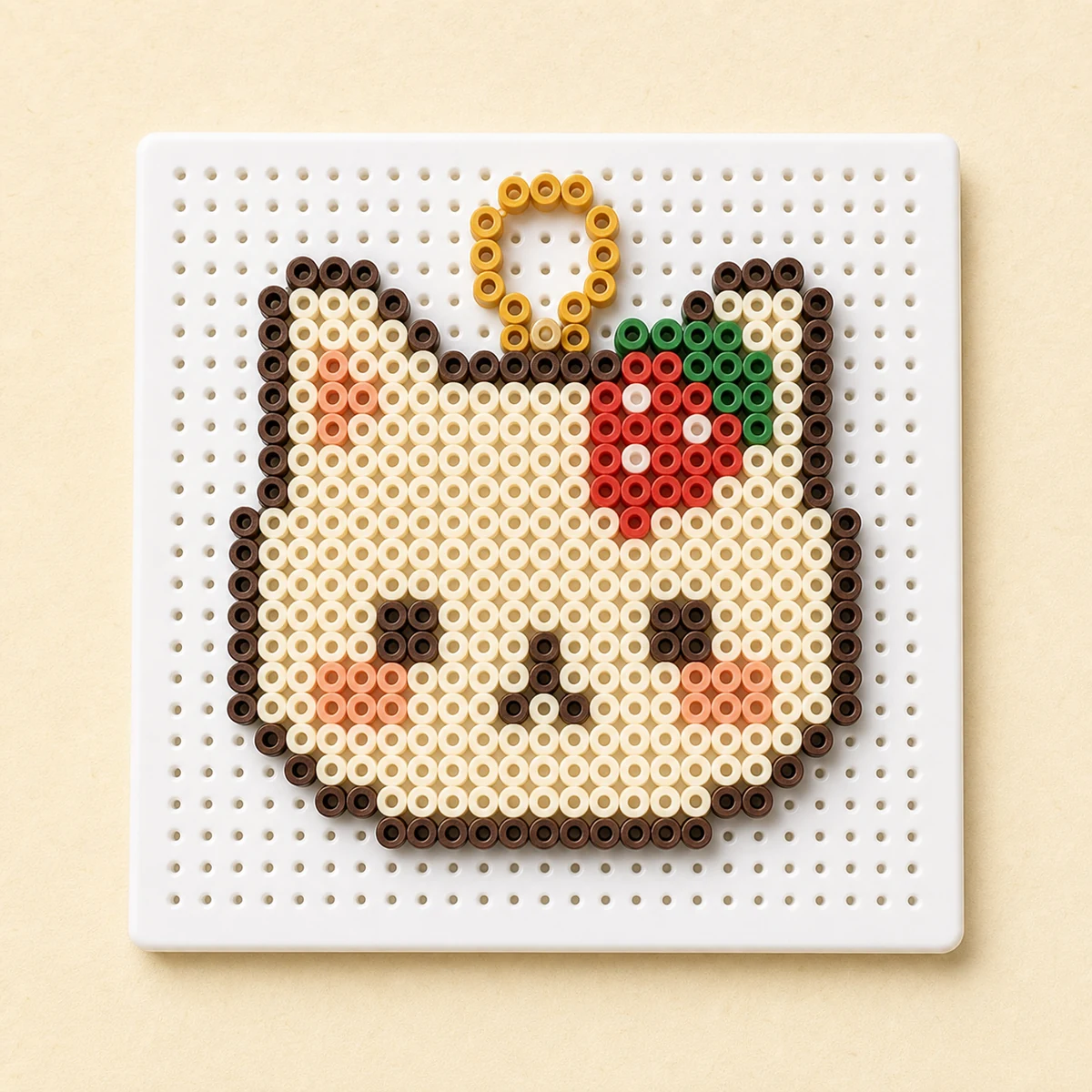
Why show both views?
The source image helps users judge the character. The bead pattern helps them judge bead texture, color count, and whether it is makeable. The slider makes that tradeoff easier to see.
100 AI generations per month
选择适合你的创作额度
免费开始,需要无水印导出、云端保存或 AI 生成参考图时再升级。
专业导出
适合经常导出图纸、整理材料清单和保存作品的用户。
AI 生成工作流
包含 500 个云端图纸保存,并解锁每月 100 次标准 / 中等质量 AI 图片生成。
AI images stay private unless you choose to publish a finished pattern.
AI 生成でできること
生成から図案化まで
Write a prompt
Describe the subject, colors, and style, such as “cute shiba inu icon, pixel art, small charm”.
Generate a reference image
The configured AI provider generates the image, stores it in R2, and keeps recent generations available for reuse.
Convert and refine
Open it in the editor, set board size and palette, clean up colors, then export.
AI 生成 FAQ
Does AI generate the final bead chart directly?
No. AI generates a reference image first. BeadsCanvas then converts that image through the normal pattern workflow so you can control size, palette, and material counts.
Can Free, Pro, and Pro+ users use AI generation?
Free users can view the entry point but cannot generate. Pro includes 10 AI image generations per month at standard / medium quality, and Pro+ includes 100.
How many AI generations are included?
Pro includes 10 successful AI image generations per calendar month; Pro+ includes 100. Quota is counted only after a successful generation.
Are generated images published automatically?
No. AI source images stay private to your account and are only used in the creation flow unless you choose to publish a finished pattern later.